
Setting up email marketing on Shopify is one of the highest-leverage things a store owner can do. Email consistently delivers $36 to $42 for every dollar spent — higher than any other digital marketing channel — and unlike Instagram or paid ads, your email list is an asset you own. This guide walks you through how to set up email marketing on Shopify step by step, from choosing your tool to sending your first campaign, with no prior experience required.
Step 1: Choose an Email Service Provider
The first decision is which email service provider (ESP) to use. For Shopify stores, you have three realistic options:
Shopify Email is the simplest option. It is built into your Shopify admin, requires zero setup, and is free for up to 10,000 emails per month. If you are just getting started and want to send your first welcome email and a campaign or two before committing to a paid tool, start here.
Klaviyo is the industry standard for Shopify email marketing. It has the deepest Shopify integration, the most powerful segmentation and automation capabilities, and a free tier for up to 250 subscribers. Most Shopify merchants who get serious about email eventually land on Klaviyo. The tradeoff is a steeper learning curve and pricing that scales with your list size.
Omnisend is a strong alternative if you also want SMS marketing in the same platform. It has solid Shopify integration, good pre-built automations, and a free tier for up to 250 contacts. If you are choosing between Klaviyo and Omnisend, Klaviyo wins on depth of features; Omnisend wins on simplicity and the bundled SMS offering.
For a brand new store with a small list, start with Klaviyo on the free plan. You will not outgrow the free tier immediately, and you will be learning the tool that gives you the most room to grow.
Step 2: Connect Your ESP to Shopify
If you are using Shopify Email, there is nothing to connect — it is already integrated.
For Klaviyo, go to the Shopify App Store and install the Klaviyo app. You will be prompted to authorize the connection, which gives Klaviyo access to your customer list, order history, product catalog, and cart activity. This sync happens automatically and retroactively — Klaviyo will pull in your existing customers and their purchase history once connected.
After connecting, verify the sync by checking that your existing customers appear in Klaviyo's Profiles section. Check that product data is pulling in correctly by creating a test email and adding a product block — Klaviyo should be able to pull product images and prices directly from your store.
For Omnisend, the process is identical: install from the Shopify App Store, authorize the connection, and verify the data sync.
Step 3: Build Your Subscriber List
Before you can send marketing emails on Shopify, you need subscribers. If you have been selling on Shopify for any length of time, you already have customers — and customers who checked the marketing opt-in at checkout are already in your list. But building a dedicated subscriber base requires active list-building strategy.
Pop-up with an offer: The most reliable list-building tactic is a pop-up that appears after a visitor has been on your site for 10 to 15 seconds, offering a discount in exchange for their email. A 10% or 15% discount on a first order converts well for most Shopify stores. Both Klaviyo and Omnisend have built-in form builders for this. Install the form on your Shopify theme and it will start capturing subscribers immediately.
Footer opt-in: Add an email subscribe form to your store's footer. This captures visitors who are interested in staying updated but not ready to buy — often people who found you through social media and want to follow along before committing to a purchase.
Checkout opt-in: In your Shopify checkout settings, you can enable a checkbox that asks customers if they want to receive marketing emails. Most customers leave this checked. These subscribers have already purchased — they are your most engaged potential email audience.
Instagram bio link: Put your email subscribe link in your Instagram bio. If you have any following, a significant percentage of people who click through are willing to subscribe. Tools like Linktree or a simple landing page with a form work well here.
Step 4: Set Up Your Welcome Automation
The first automation every Shopify store needs is a welcome email — sent automatically to anyone who subscribes to your list. This is where you make your first impression, deliver any promised offer, and start building the relationship that makes a subscriber into a customer.
In Klaviyo, go to Flows and look for the "Welcome Series" template. The default flow triggers when a profile is added to your subscriber list. At minimum, your welcome flow should include three emails: one sent immediately with any promised discount or offer, one sent two to three days later with your brand story and what makes you different, and one sent after five to seven days featuring your best product with a clear purchase CTA.
In Shopify Email, go to Automations and enable the Welcome New Subscriber template. It defaults to a single email, which is better than nothing, but you will want to expand this to a three-email sequence as you get more comfortable with the tool.
Step 5: Set Up Abandoned Cart Recovery
Between 70 and 80 percent of online shopping carts are abandoned. Abandoned cart email automation is the fastest way to recover that revenue. This is typically the second highest-ROI automation for any Shopify store, immediately after the welcome series.
In Klaviyo, the Abandoned Cart flow is pre-built. It triggers when someone adds items to their cart and leaves without purchasing. The default is a three-email sequence: one sent an hour after abandonment (gentle reminder), one at 24 hours (social proof or FAQ), and one at 72 hours (optional small incentive). Enable the flow, review the default copy, and edit it to sound like your brand.
In Shopify Email, go to Automations and enable the Abandoned Checkout flow. It sends a single email after a cart is abandoned. This is simpler than Klaviyo's three-email sequence but requires zero configuration beyond enabling it.
Step 6: Create Your First Broadcast Campaign
Automations run in the background. Broadcast campaigns are the emails you actively send to your list — product launches, sales, newsletters, seasonal content. This is where most of the time and creative work in email marketing happens.
In Klaviyo, go to Campaigns and click Create Campaign. Select Email, choose your recipient list (start with your full subscriber list), pick a template, write your subject line and preheader, and design the email. Klaviyo's email builder supports a drag-and-drop interface with sections for hero images, product blocks, text, and CTA buttons. Preview on desktop and mobile before scheduling.
In Shopify Email, go to Marketing → Campaigns and click Create Campaign. Select Shopify Email, choose a template, add your content, and send or schedule. The builder is simpler than Klaviyo's but faster for straightforward product campaigns.
For your first campaign, keep it simple. Pick your best-selling product, write a genuine explanation of why customers love it, use a strong hero image, and include a single CTA. Do not try to feature six products in your first campaign. Focus creates results.
Step 7: Analyze Your Results and Iterate
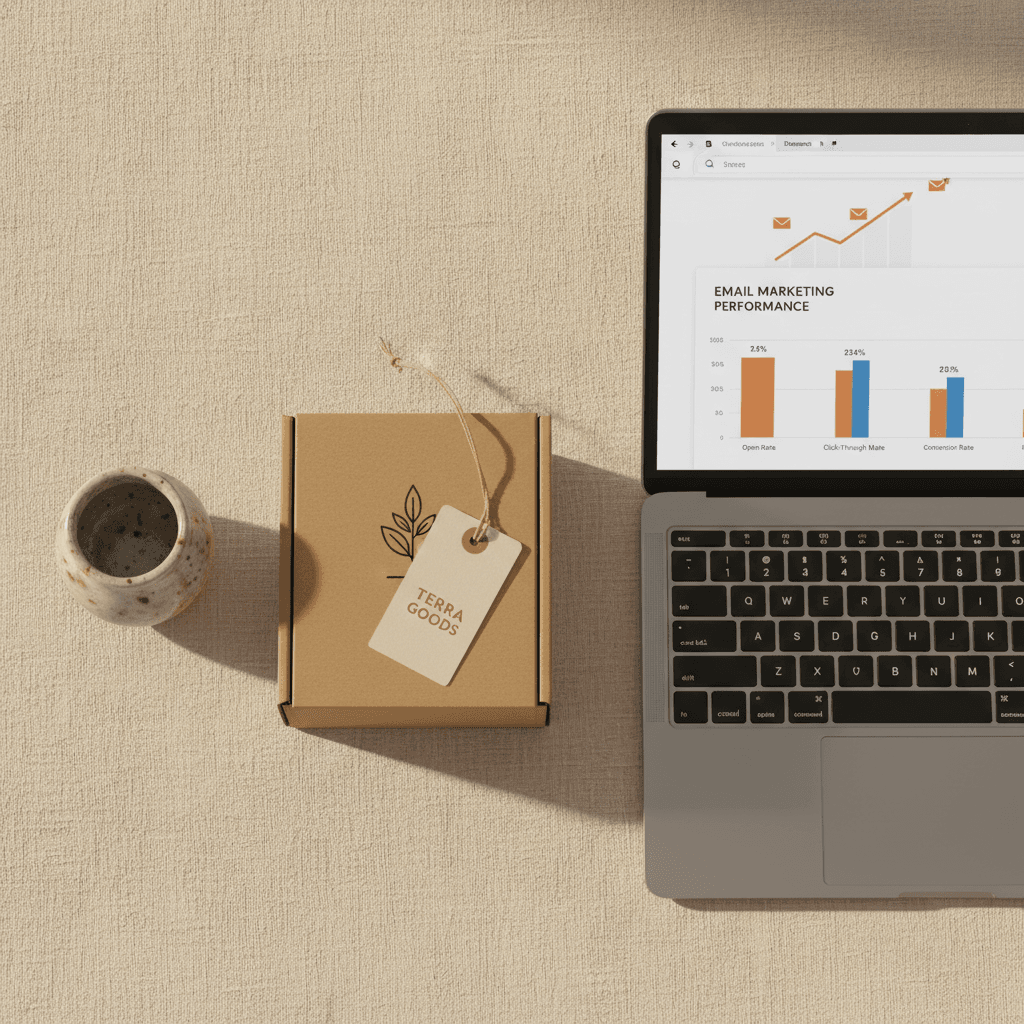
After your first send, check your campaign analytics. The metrics that matter most:
Open rate: For a small Shopify store with an engaged list, a 30 to 40 percent open rate is solid. Below 20 percent suggests a deliverability problem or a disengaged list. Above 40 percent means your subject lines are very strong and your subscribers trust your brand.
Click rate: This is the percentage of people who opened the email and clicked a link. Ecommerce email benchmarks hover around 2 to 5 percent click rate. Higher means your content and CTA are compelling. Lower means something in the email is not converting browsers into clickers.
Revenue attributed: Most ESPs will show you the revenue generated from each campaign based on purchases made within a time window after the email click. This is the number that ultimately tells you whether the campaign was worth the effort.
Use these numbers to iterate. If opens are low, test different subject lines. If click rates are low, simplify the email and make the CTA more prominent. If revenue is low despite good opens and clicks, the product page or offer may be the issue rather than the email itself.
The Biggest Bottleneck in Shopify Email Marketing
Once you have the technical setup done — ESP connected, welcome flow live, abandoned cart running — the ongoing challenge is content. Coming up with campaign ideas every week, writing copy that sounds like your brand, and designing emails that look professional is the part that most Shopify store owners struggle with. It is why many merchants send two or three emails and then trail off for months.
This is the problem SendKite is built to solve. SendKite generates complete email campaigns — concept, copy, and design — using your Instagram content and brand identity as inputs. The output is a finished email ready to drop into Klaviyo or Shopify Email. For store owners who know they should be sending more email but cannot find the time or creative bandwidth to do it consistently, this is the piece that makes the difference.